Plan your grading weights before entering scores
A mark is easier to explain when the structure behind it is clear. Before entering a term’s results, write down which components contribute and how much each should count.
Separate the levels of the calculation
In Classroom Log, extra-curricular activity categories keep raw points. Their contribution to the activity mark can be configured. Tests and quizzes have their own maximum scores and weights, while continuous assessment combines the configured activity and assessment components.
Use a simple example to check your intention
For example, a teacher might want homework to contribute 40% of the activity mark and participation 60%. At a different level, tests and quizzes might contribute 60% of continuous assessment, with activities contributing 40%. These are illustrations, not recommended grading rules for every school.
Choose equal contribution when appropriate
If all components should contribute equally, choose equal weighting rather than inventing percentages that only approximate the same outcome. When using custom percentages, check the composition preview before saving.
Treat special exams separately
Some classes have school, regional or national exams, while others do not. Configure the relevant term or annual composition only where those exams apply. Do not add an exam merely to fill a template.
Check missing, equal and zero results
A genuine zero is a recorded result. An ungraded component is a different situation. Review the available rules for missing components and equal activity scores, and make sure your choice matches the policy you intend to apply.
Preview before you explain
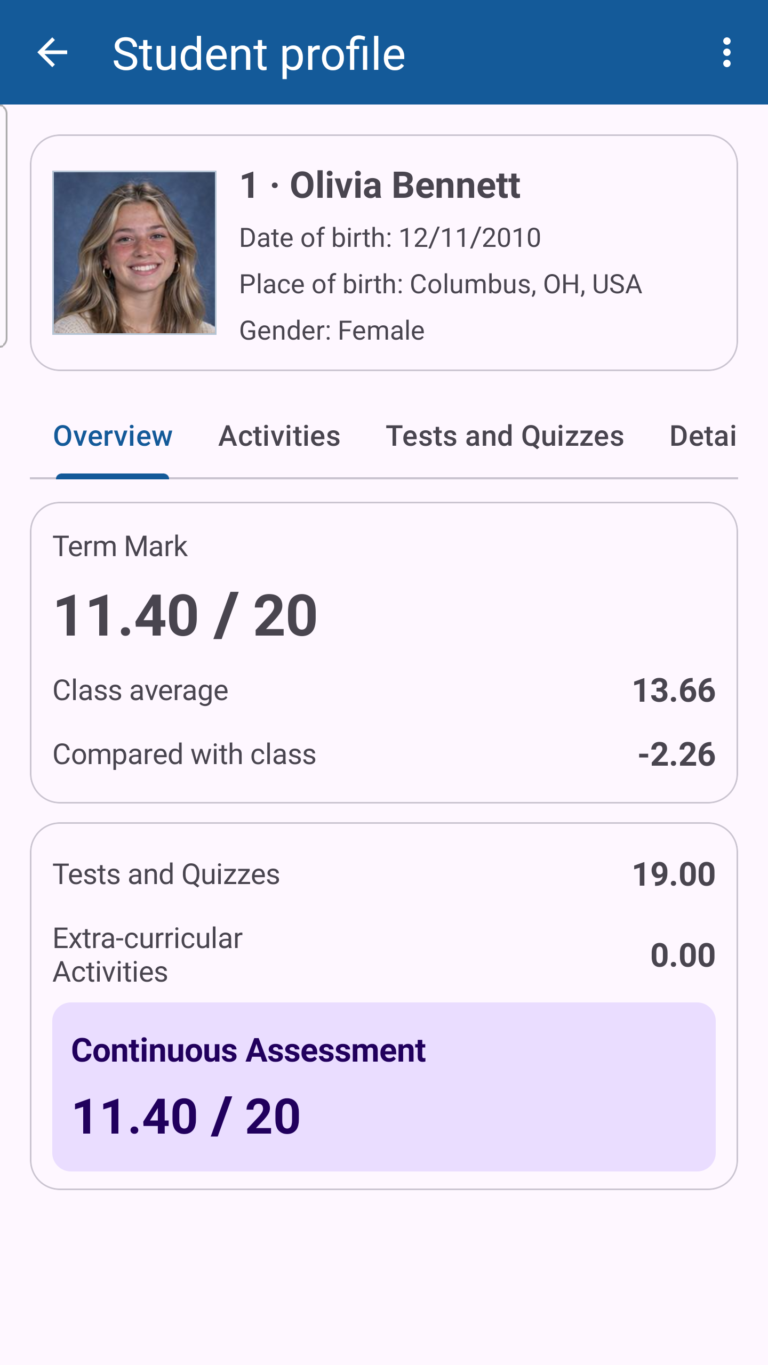
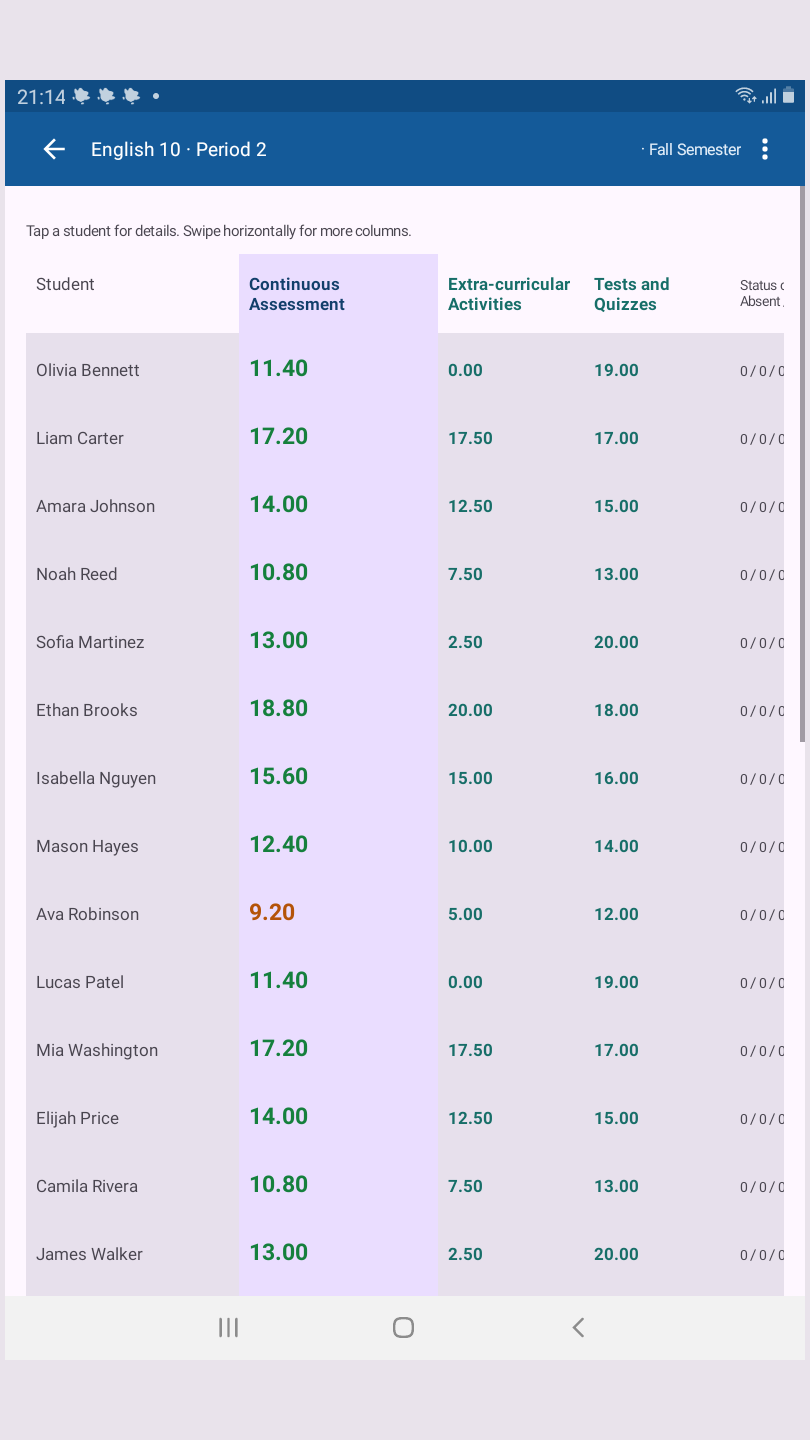
Review a student profile and the class gradebook after setting the weights. The goal is to be able to describe the contribution of each component in plain language, without relying on the final number alone.